Want to upskill your training?

Hi, I’m Cassie, an experienced Senior E-Learning Developer and Instructional Designer.
I bring innovative ideas and fresh strategies that impact learners, strengthen training teams, and solve organizational problems.
Explore the examples below to see my instructional design and e-learning development skills in action.
Samples of My Work
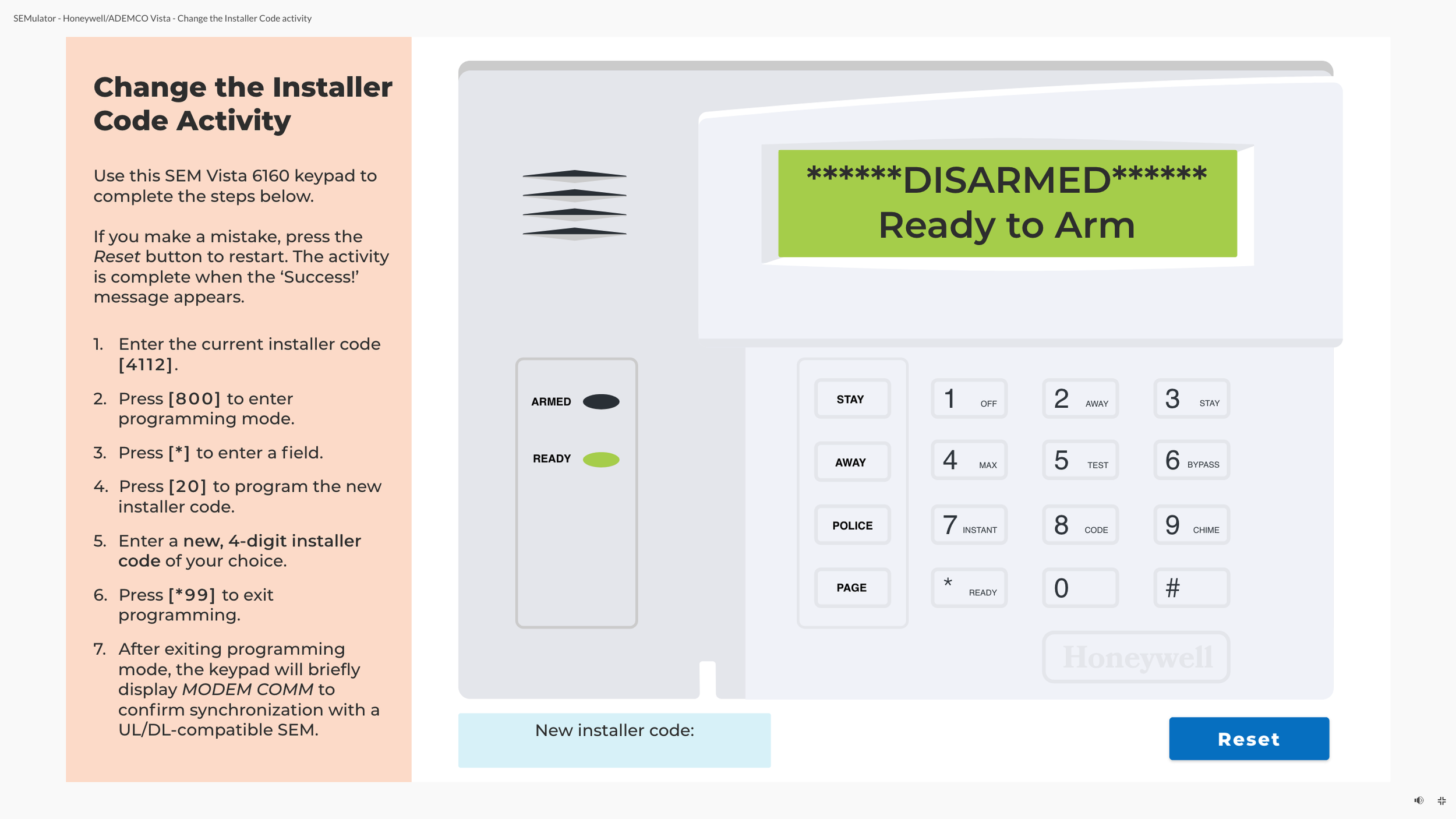
Change the Installer Code | Emulator
-
This emulator replicates the Honeywell Vista 6160 SEM panel, giving Support Operations Associates the opportunity to practice changing the installer code just like a technician would.
In the full version, learners first locate the correct steps in the company’s Knowledge Base, then apply them within the emulator. For this portfolio sample, the directions are shown on the sidebar to provide viewers with the complete experience.
By combining resource-finding with hands-on interaction, the activity bridges the gap between theoretical knowledge and real-world application.
-
The emulator boosted performance by building procedural fluency and realistic experience in troubleshooting SEM panels.
SOAs gained practical understanding of SEM programming and learned to effectively use documentation, leading to behaviors that improved support outcomes and partner satisfaction.
-
Authentic Simulation: Built a realistic emulator that replicates the SEM panel interface for hands-on skill application.
Role Immersion: Positioned learners in the partner’s role to build empathy and strengthen communication during support calls.
Performance-Based Learning: Structured tasks to mirror technician processes, reinforcing procedural knowledge and troubleshooting skills.
Resource Integration: Incorporated the company Knowledge Base as a required tool, teaching learners to locate and apply documentation effectively.
Guided Discovery: Used minimal prompts to encourage problem-solving and independent navigation of resources.
Error-Based Learning: Allowed learners to make and correct mistakes within the emulator, deepening understanding through trial and error.
-
Storyline 360
Lottie Animations
JavaScript
Adobe Illustrator
Adobe Audition
What Should Bob Do? | Branching Scenario
-
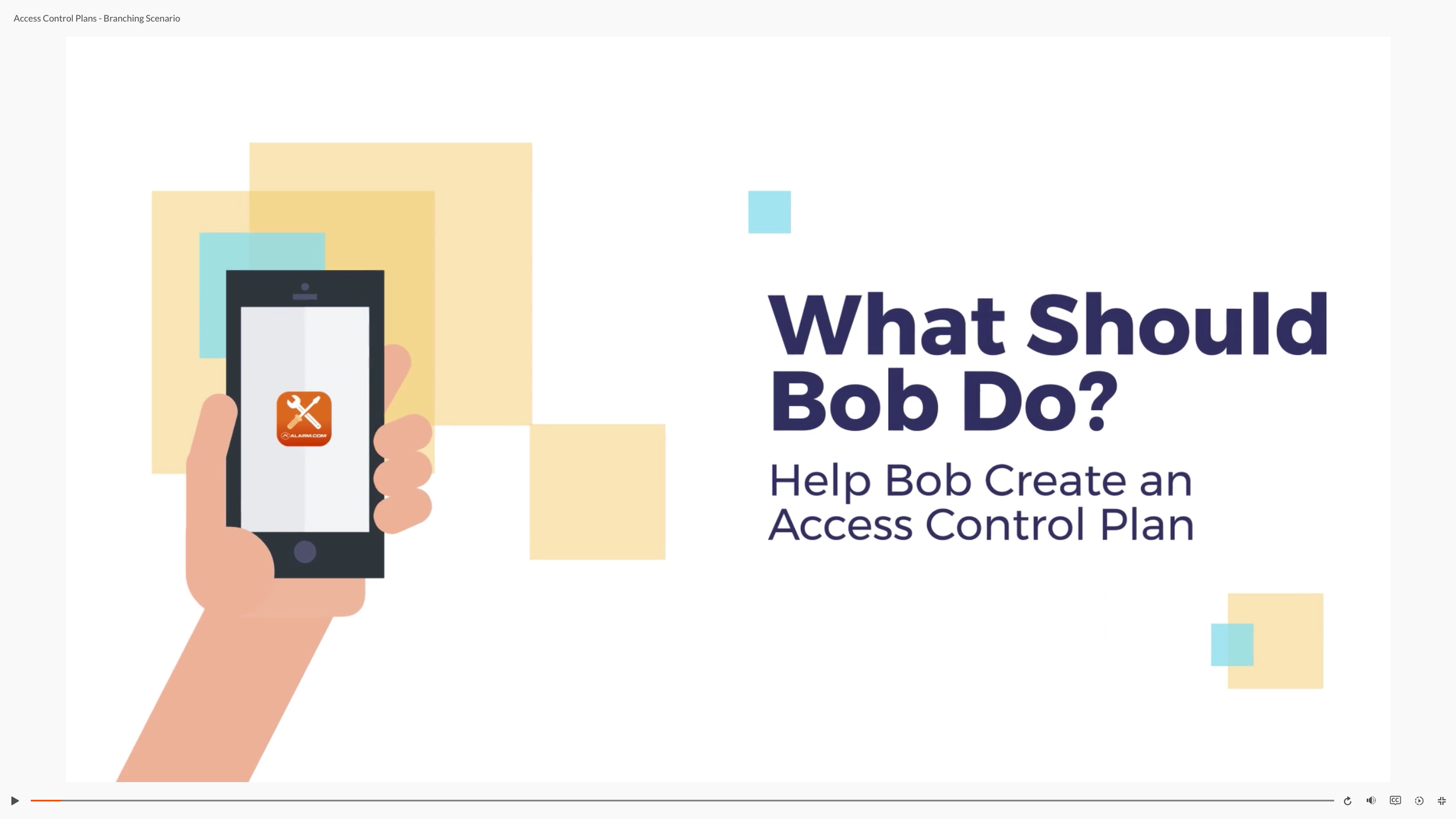
This interactive branching scenario is part of a course series for security dealer partners on Commercial Access Control.
Security dealers often face context-specific decisions when working with customers. Learners guide Bob, a security dealer, through a conversation with Susan, a café owner, making decisions at key points to create an access control plan tailored to her business.
Realistic dialogue and branching choices simulate the complexity of real-world planning challenges.
-
This scenario activity strengthened dealers’ decision-making skills and reinforced best practices for building access control plans.
By practicing in a realistic, consequence-driven environment, learners gained familiarity with plan components, a deeper understanding of available offerings, and improved ability to navigate customer interactions while tailoring solutions to unique business needs.
-
Branching Scenario Design: Created multiple decision points with realistic consequences to mirror real-world planning challenges.
Contextual Storytelling: Used a relatable café setting and authentic dialogue to engage learners and provide meaningful context.
Role Immersion: Positioned learners as advisors to Bob, reinforcing the consultative approach required in dealer-client interactions.
Progressive Complexity: Structured decisions from basic (door access) to advanced (security permissions) to scaffold learning.
Feedback Through Consequences: Delivered immediate narrative feedback after each choice, showing the impact on security and customer satisfaction.
Video Integration: Incorporated animated segments to simulate a live client conversation and enhance engagement.
Real-World Application: Focused on applying best practices in a realistic environment to drive behavior change and improve on-the-job performance.
-
Storyline 360
Vyond
ChatGPT
WellSaid Labs
Descript
Understanding Relays | Rise 360 Course
-
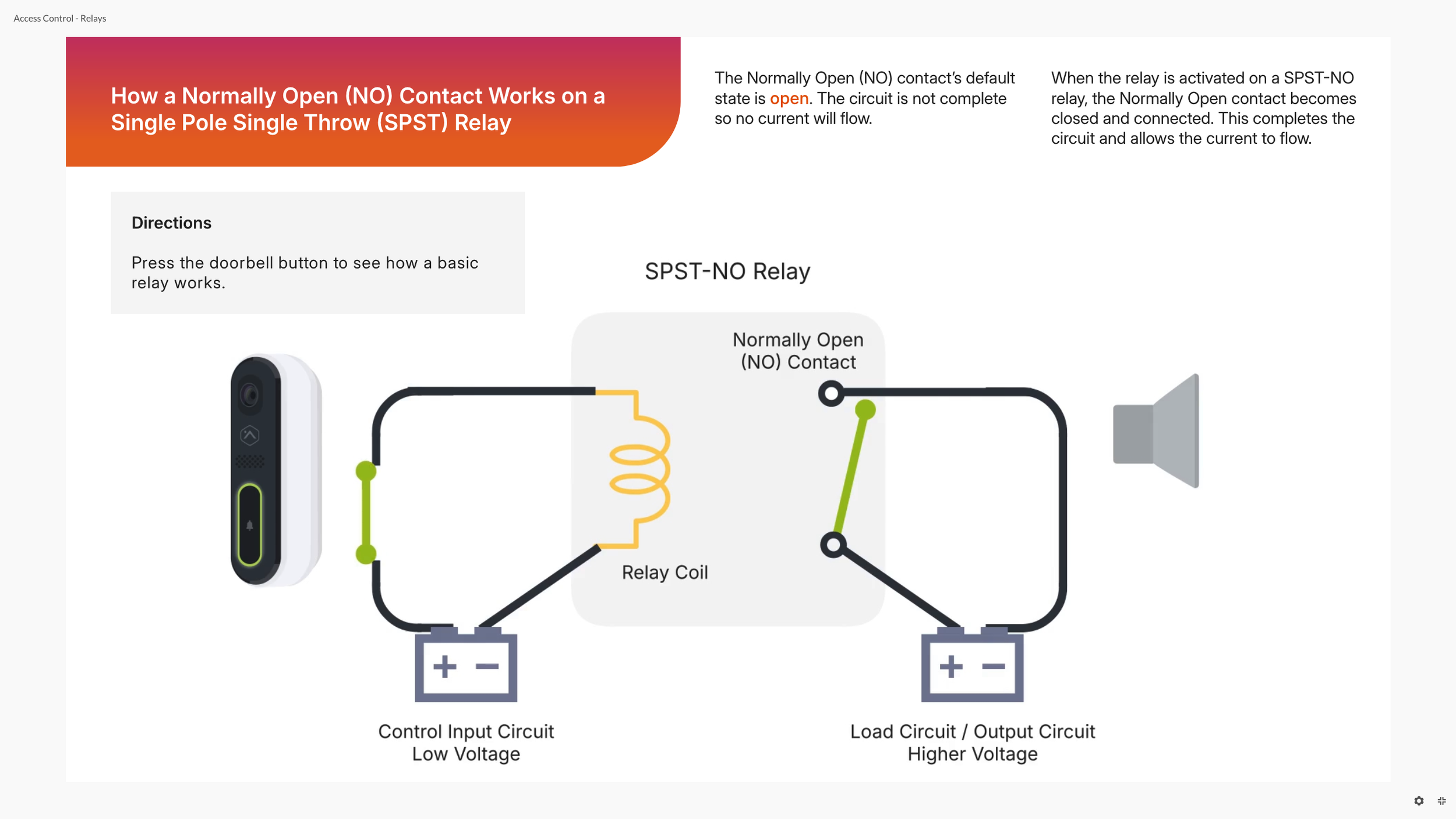
This course takes a technical topic (relays and access control setups) and makes it simple and engaging.
By breaking down complex ideas into clear explanations and interactive activities, learners can see how these concepts work in real life.
-
Transforming a complex technical topic into a practical, approachable course gave Alarm.com’s Support Operations Associates the confidence to apply their knowledge during technical support calls.
It simplified a concept that had previously been a challenge in upskill training, making it easier for associates to troubleshoot and assist technicians effectively.
-
Chunking and Sequencing: Organized content into four progressive modules that build on prior knowledge.
Progressive Complexity: Introduced basic relay concepts first, then advanced configurations, followed by fail-safe and fail-secure setups.
Scenario-Based Learning: Incorporated real-world examples (server rooms, emergency exits) to make abstract concepts practical.
Interactive Learning: Used labeling, sorting, and toggle-based activities to reinforce understanding through hands-on engagement.
Visual Reinforcement: Designed simplified diagrams and animations to clarify complex electrical concepts.
Knowledge Checks for Mastery: Embedded formative assessments and a final quiz aligned with learning objectives and key takeaways.
-
Storyline 360
Rise 360
Custom code blocks (HTML, CSS, JavaScript)
Storyline 360 blocks
Vyond
Adobe Illustrator
Figma
What I Offer
Tools
Articulate 360
Storyline 360
Rise 360
Adobe Creative Suite
Illustrator
Photoshop
Audition
After Effects
Premiere Pro
Adobe XD
Vyond
Camtasia
Walnut.io
7Taps
Vimeo
Figma
Descript
WellSaid Labs
Visual Studio Code
Rustici Content Controller
Skilljar LMS
Workday Learning LMS
Watershed LRS
Skills
Team Leadership & Mentorship
Instructional Design
Advanced e-Learning Development
Coding (HTML, CSS, JavaScript)
xAPI
User Experience (UX) / Learner Experience (LX) Design
User Interface (UI) Design
Graphic Design
Accessibility
Competency Mapping & Action Mapping
Needs Analysis
Data Analysis
Project Management
Training Enablement
Experience
Senior E-Learning Developer / Instructional Designer
Alarm.com | July 2022 - Present
E-Learning Developer / Instructional Designer
Alarm.com | March 2020 - July 2022
Instructional Designer
U.S. Bank | June 2019 - March 2020
Instructional Designer
Freelance | January 2019 - June 2019
Assistant Director / Program Coordinator
Minneapolis College of Art and Design | August 2016 - August 2018
Teacher - English Language Learners (ELL) / Department Head
Prairie Seeds Academy | July 2013 - June 2016
Contact Me
Phone
(612) 804-3043
Email
cassie.ericsson@gmail.com